Apple Vision Pro
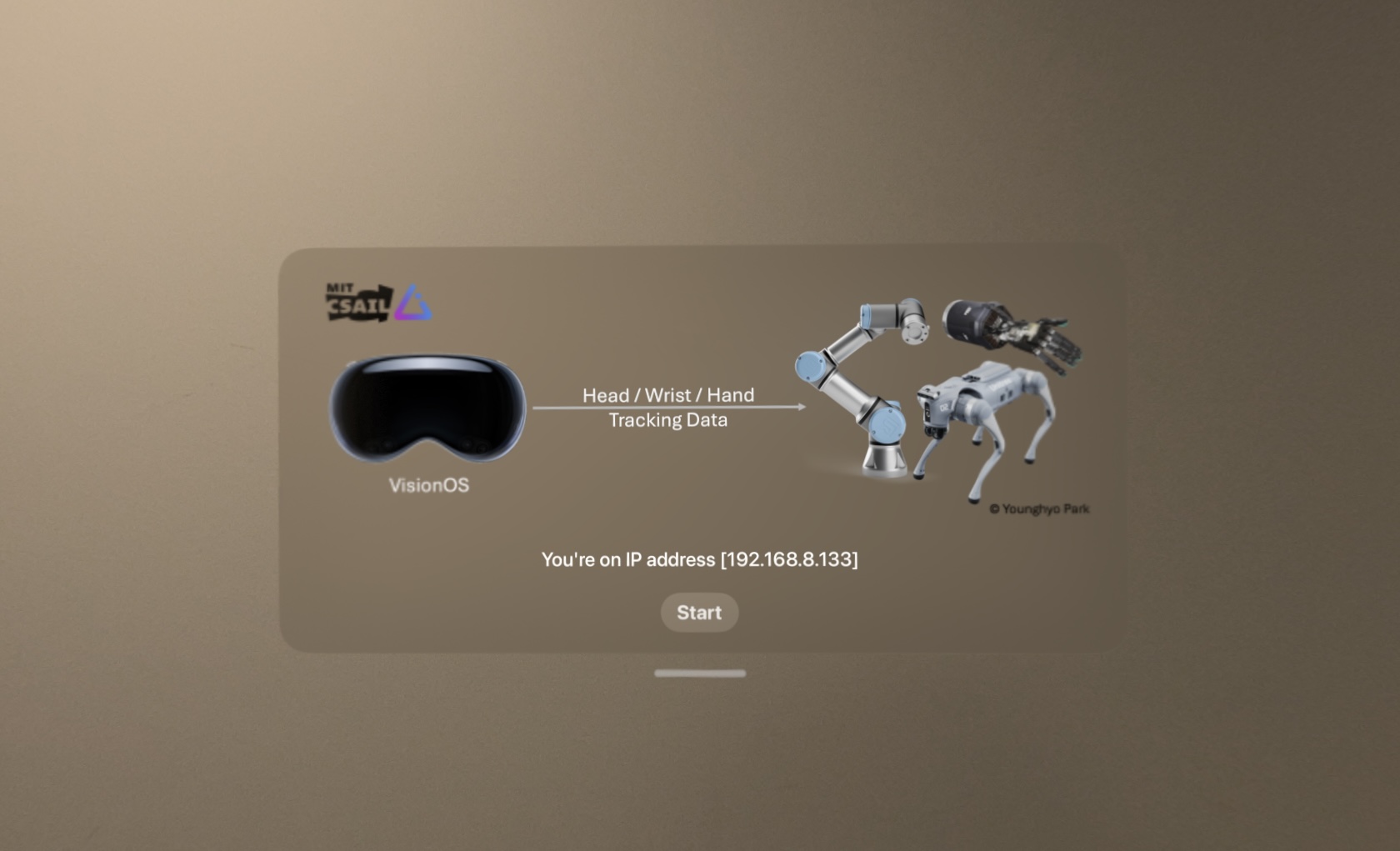
Stream head, wrist, and finger tracking from Apple Vision Pro with avp_stream. RetargetingKit can drive robot hands, robot arms, or synchronized arm-and-hand assemblies, and replay the same tracking from a recording.
| Motion | Runtime | Example rig |
|---|---|---|
| Fingers | scripts/teleop/hand.py | visionpro_sharpa |
| Wrists | scripts/teleop/arm.py | visionpro_xarm7 |
| Wrists and fingers | scripts/teleop/arm_hand.py | visionpro_xarm7_xhand |
Connect the headset
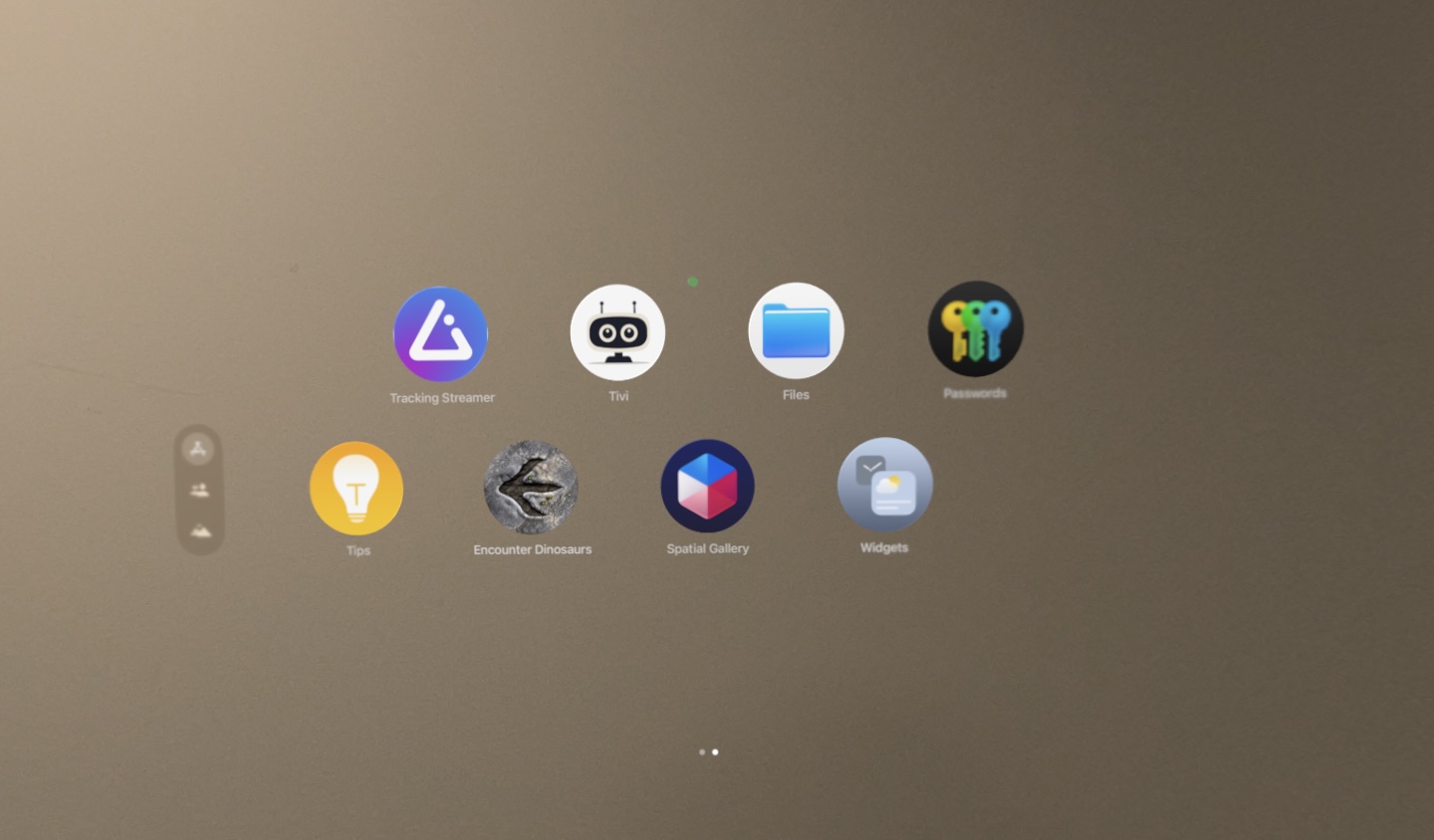
- Connect the workstation and Vision Pro to the same Wi-Fi network.
- Open Tracking Streamer on Vision Pro.
- Note its IP address and select Start. Use that address as
<VISION_PRO_IP>below. - Install the source dependencies from the RetargetingKit repository:
uv sync --extra vision-pro
Check the live stream:
uv run --extra vision-pro scripts/sources/vision_pro/stream.py \
    --ip <VISION_PRO_IP>
The terminal prints head position and left/right pinch distances. Move your head and pinch each hand to check the values.
Preview retargeting
Run a right xArm7 with XHand in Viser:
CUDA_VISIBLE_DEVICES=<FREE_GPU> uv run --extra vision-pro \
    scripts/teleop/arm_hand.py visionpro_xarm7_xhand \
    --source.ip <VISION_PRO_IP> --mode viser
Open http://localhost:8080. The first tracked wrist frame becomes the calibration origin and maps to the arm's home pose. Finger motion drives the robot hand.
For arm-only or hand-only retargeting:
CUDA_VISIBLE_DEVICES=<FREE_GPU> uv run --extra vision-pro \
    scripts/teleop/arm.py visionpro_xarm7 --source.ip <VISION_PRO_IP>

CUDA_VISIBLE_DEVICES=<FREE_GPU> uv run --extra vision-pro \
    scripts/teleop/hand.py visionpro_sharpa --source.ip <VISION_PRO_IP>
The arm runtime also offers visionpro_xarm6 and visionpro_dual_xarm7. The hand runtime offers visionpro_xhand and visionpro_sharpa. All default to Viser.
Connect hardware
Use --mode both to send the same targets to hardware and Viser:
CUDA_VISIBLE_DEVICES=<FREE_GPU> uv run --extra vision-pro --extra xarm \
    scripts/teleop/arm_hand.py visionpro_xarm7_xhand \
    --source.ip <VISION_PRO_IP> --mode both \
    --arms.right.ip <XARM_IP> \
    --hands.right.serial-port /dev/ttyUSBX
Each arm moves to its model-specific home pose at startup. Hold the wrist at the desired tracking origin when the first frame is read. Use --mode real for hardware only; press Ctrl-C to stop.
| Assembly | Named rig | Hand connection |
|---|---|---|
| xArm7 + XHand | visionpro_xarm7_xhand, visionpro_dual_xarm7_xhand | --hands.right.serial-port |
| xArm7 + Ability Hand | visionpro_xarm7_ability | --hands.right.port; add --extra ability |
| xArm7 + Inspire Hand | visionpro_xarm7_inspire | --hands.right.serial-port; add --extra inspire |
| xArm7 + Sharpa Wave | visionpro_xarm7_sharpa | --hands.right.device-sn |
| xArm6 + Sharpa Wave | visionpro_xarm6_sharpa | --hands.right.device-sn |
Single-arm presets use the right side. For the dual XHand rig, also set --arms.left.ip and --hands.left.serial-port. Sharpa uses the first discovered hand when its device serial number is unset.
To tune arm-and-hand motion, use --arm-retargeters.right.translation-scale for wrist translation and --arm-retargeters.right.ee-gain for pose smoothing. The arm-only runtime uses --retargeters.right.translation-scale and --retargeters.right.ee-gain.
Record and replay
Record 15 seconds at a requested 50 Hz:
uv run --extra vision-pro scripts/sources/vision_pro/record.py \
    --ip <VISION_PRO_IP> --duration 15 --rate 50 \
    --output data/vision_pro.pkl
Replay with the original rate:
CUDA_VISIBLE_DEVICES=<FREE_GPU> uv run --extra vision-pro \
    scripts/teleop/arm.py visionpro_xarm7 \
    --source.recording-path data/vision_pro.pkl \
    --source.recording-fps 50
The pickle contains tracking dictionaries without timestamps or frame-rate metadata. Always set --source.recording-fps to the recording rate. Playback holds the final frame when it reaches the end.
To inspect the recorded skeleton directly:
uv run --extra vision-pro scripts/sources/vision_pro/visualize.py \
    --recording data/vision_pro.pkl
This viewer and stream.py --recording <FILE> use the device API's fixed default of 20 Hz, so a 50 Hz recording plays more slowly.
Tracking format
The validated avp_stream 2.51 format uses finite float64 values. Translations are in meters and wrist roll is in radians.
| Field | Shape | Coordinate frame |
|---|---|---|
head | (1, 4, 4) | World |
left_wrist, right_wrist | (1, 4, 4) | World |
left_fingers, right_fingers | (25, 4, 4) | Wrist-local |
left_arm, right_arm | (25, 4, 4) or (27, 4, 4) | Wrist-local; optional two forearm joints |
left_pinch_distance, right_pinch_distance | scalar | Thumb-tip to index-tip distance |
left_wrist_roll, right_wrist_roll | scalar | Wrist roll |
The streamer converts world poses from Y-up to right-handed Z-up: x'=x, y'=-z, z'=y. Finger and arm matrices stay wrist-local. The 25-joint order is wrist, four thumb joints, then five joints each for index, middle, ring, and little fingers. The optional final two arm joints are forearmWrist and forearmArm.